 Create a course project in MyCSC
- Summary
- This tutorial will show you the steps to create a course project in MyCSC service.
- Internet
- https://my.csc.fi/projects/create
flowchart LR
    A(Log in to<br>my.csc.fi) --> B(Select 'New Project')
    B --> C(Choose project category 'Course')
    C --> D(Fill in rest of the project information)
    D --> E(Accept terms and click 'Submit')
Prerequisites
- A staff, faculty or researcher affiliation with the University or University of Applied Sciences. (not available for students)
- An access to MyCSC service.
 Procedure
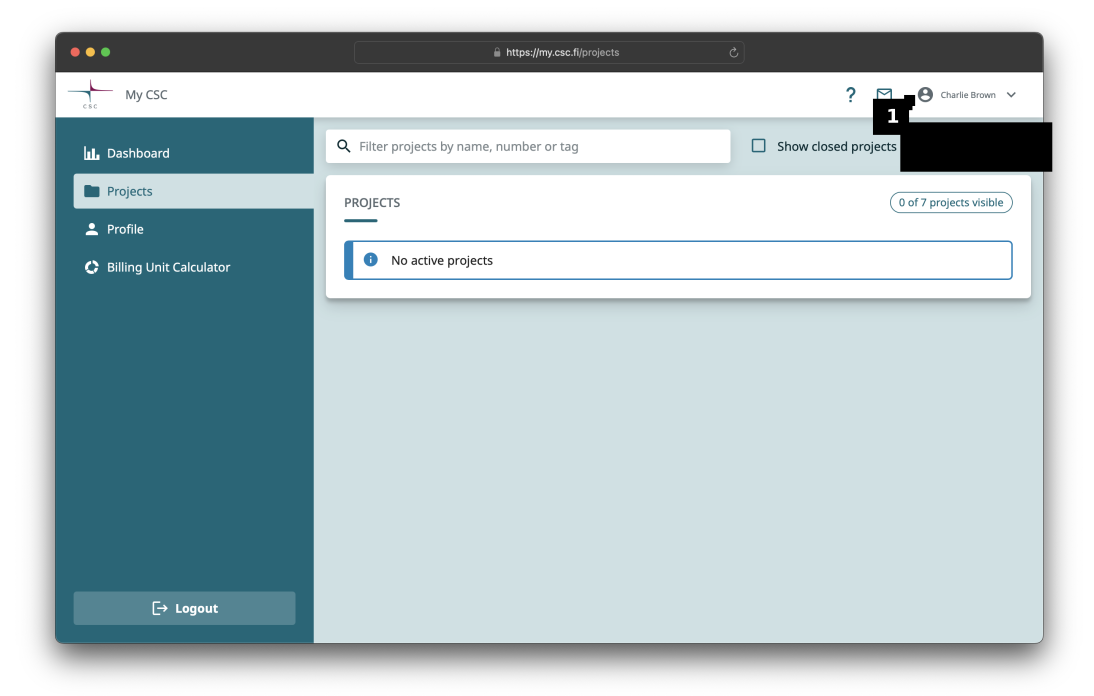
Log in to the MyCSC service. Select Projects from the left hand menu and click on the '+ New project'  button at the top right of the page.
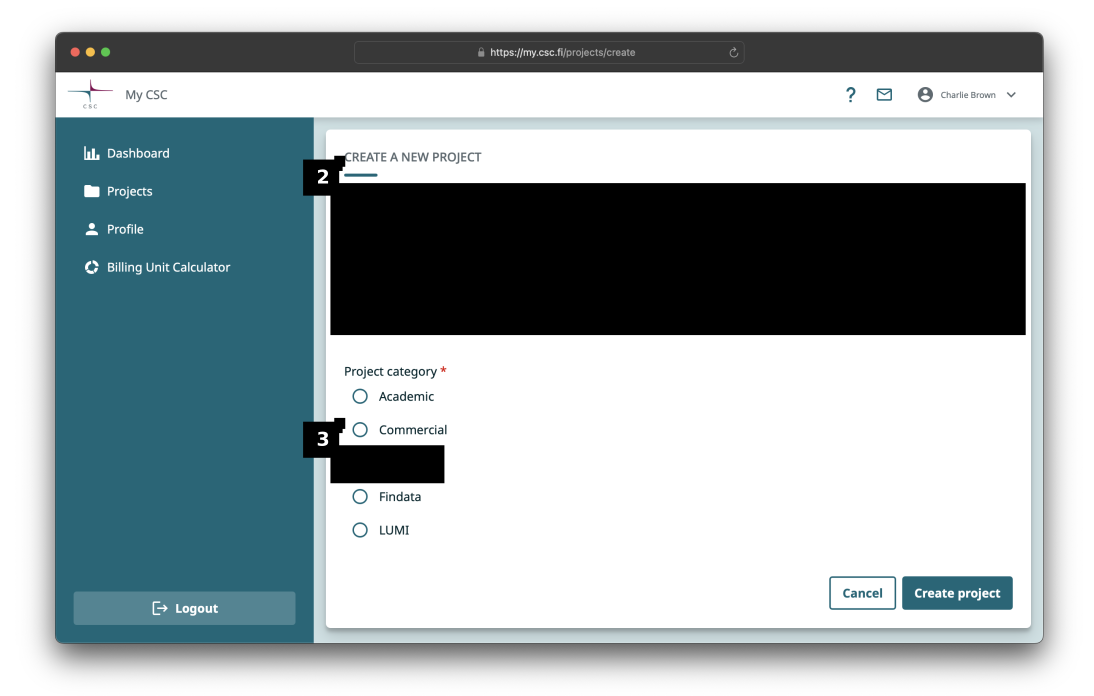
Select the Course  project type and click the 'Next >'
  button.
Tip
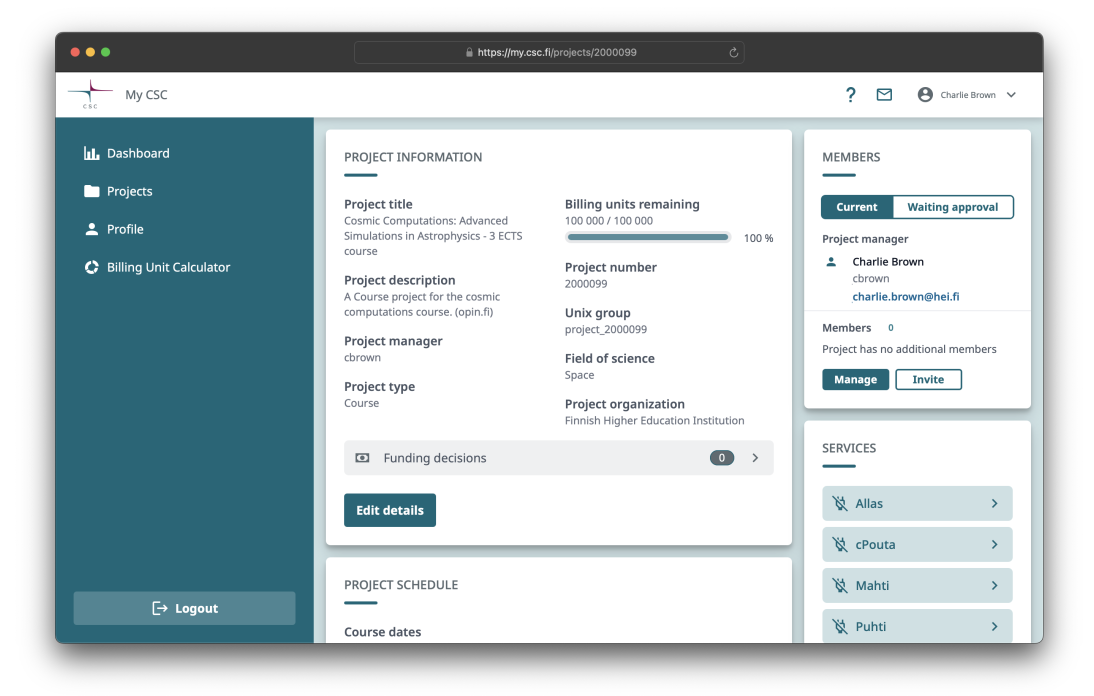
Here is an example course project created for a simulation course.
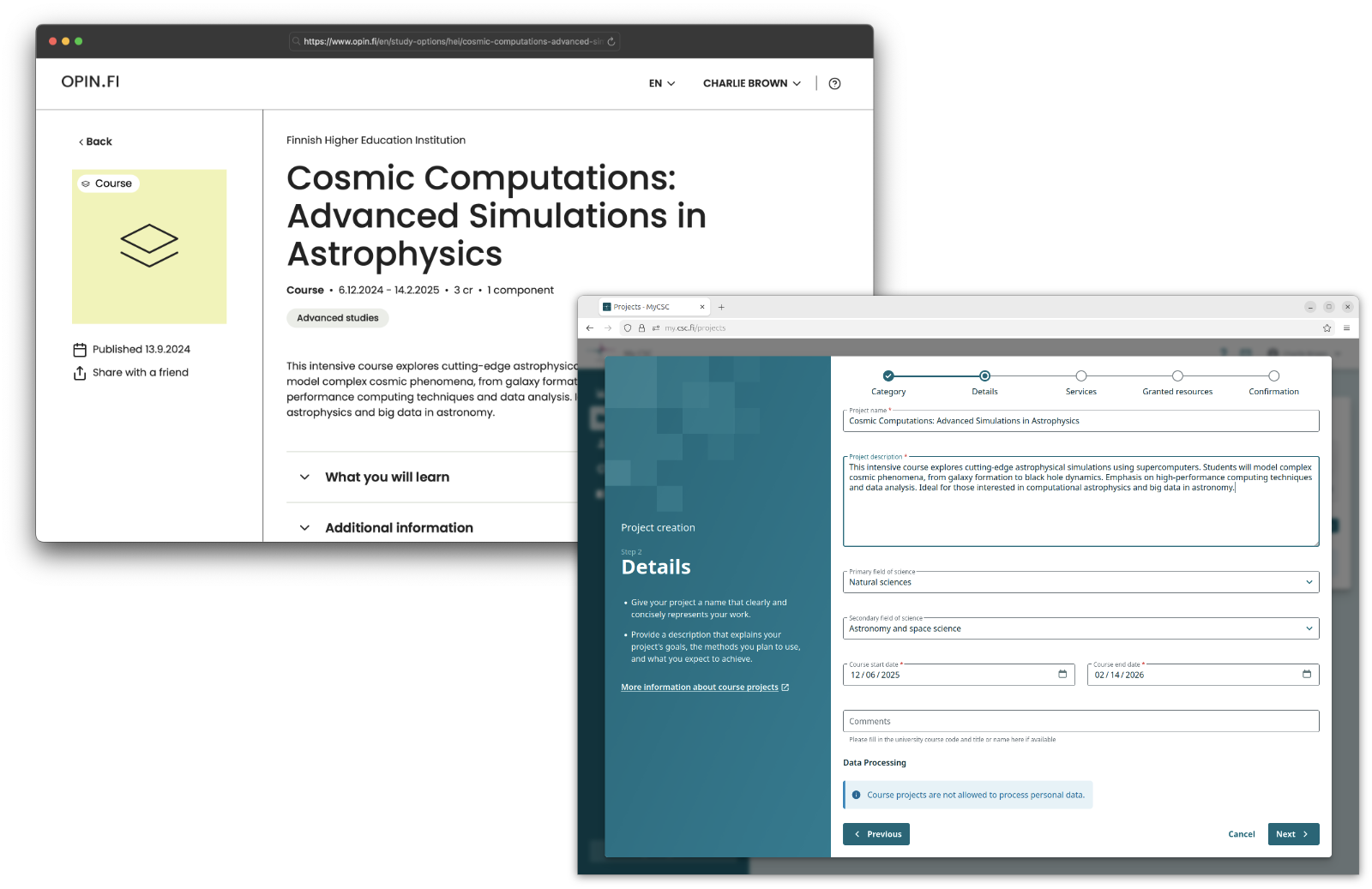
Enter a name  for the project (e.g. the name of the course) and a short description
  .
.
Warning
Please note that the end date of the course cannot be more than six months from now.
Enter the start and end dates  of the course.
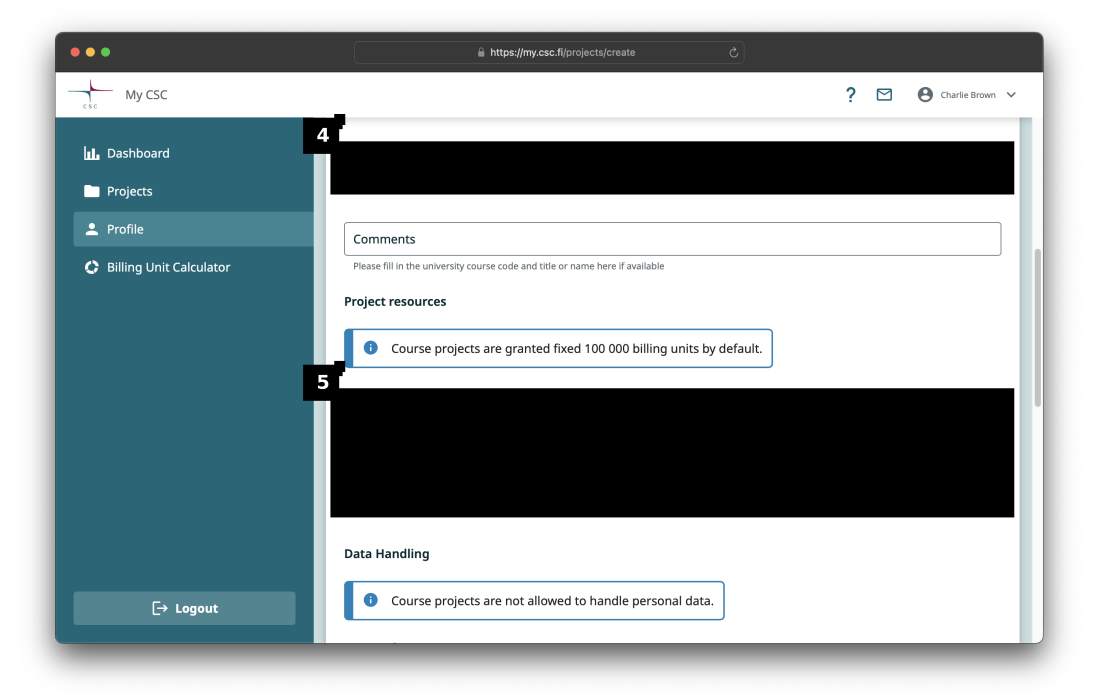
Click 'Next >'  to continue.
Select the services that you would like to activate. If you are not sure yet, select the 'Skip service and resource selection' checkbox  .
.
Here the Mahti service  has been selected. Click the 'Next >'
  button to continue.
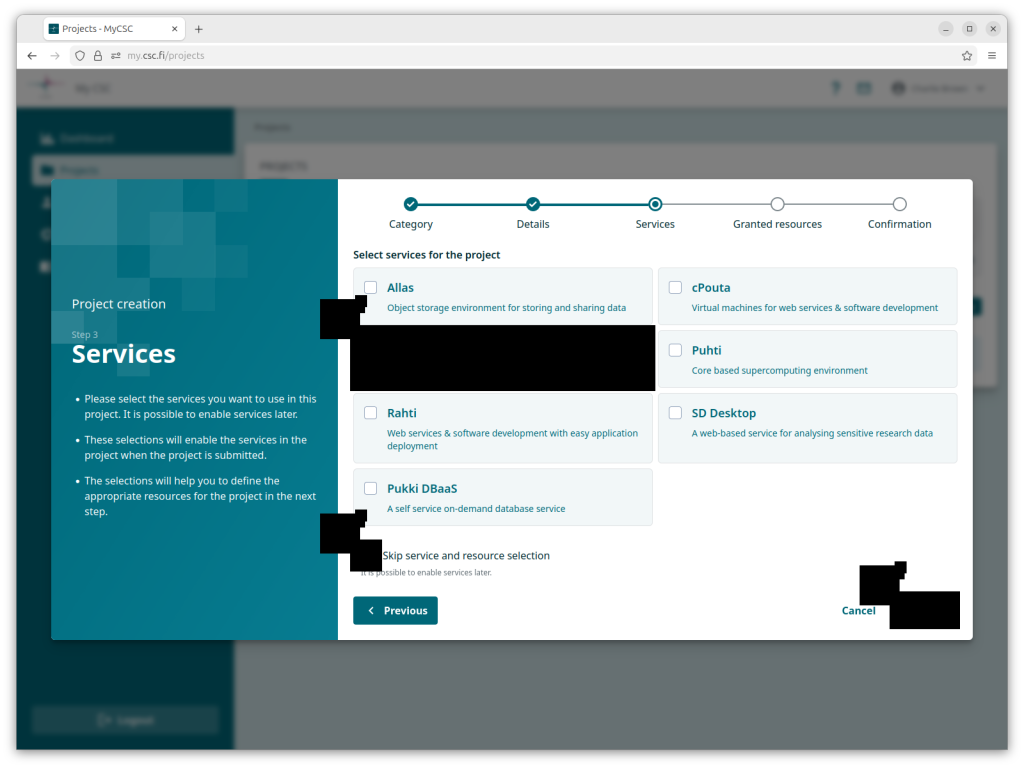
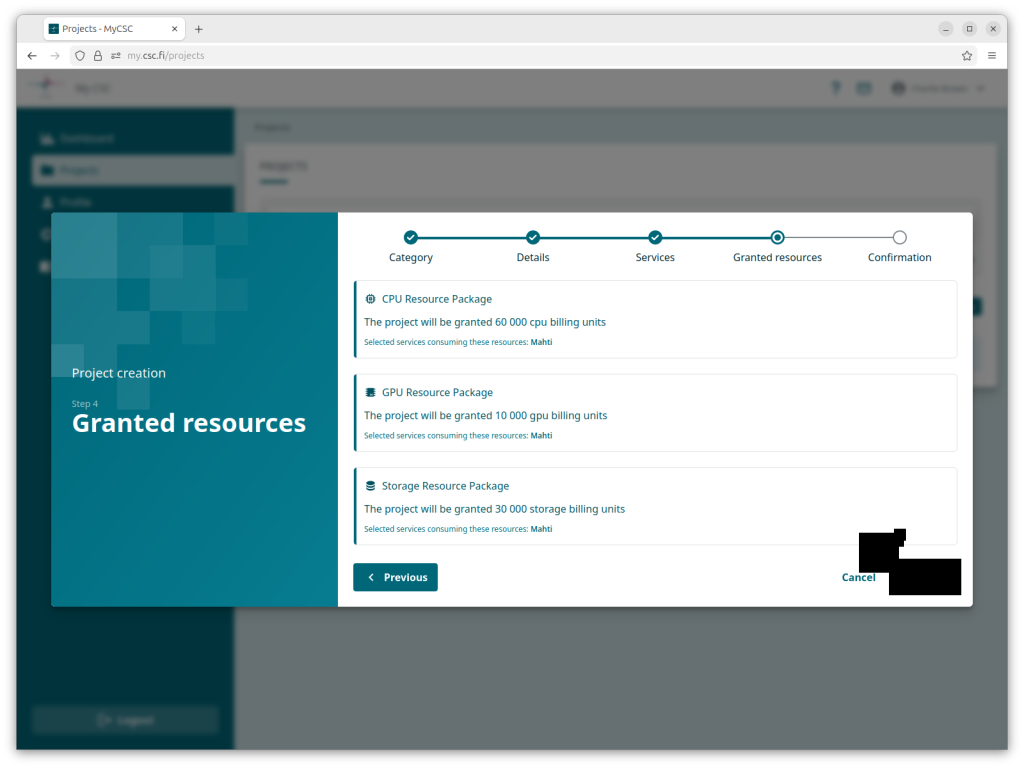
This view shows the Billing Units granted based on the selected services. Click 'Next >' to continue.
Info
This view will not be shown if you chose to skip adding services.
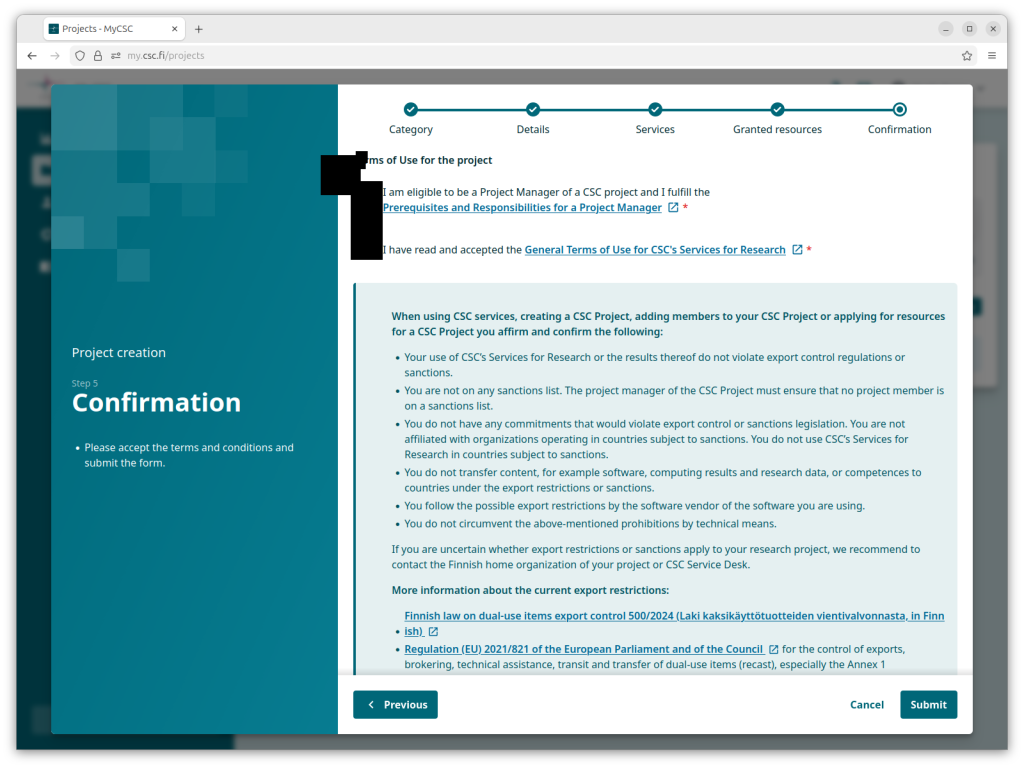
Make sure you read and comply with the terms of use.
Please acknowledge that you have read and accepted the export restrictions and sanctions.
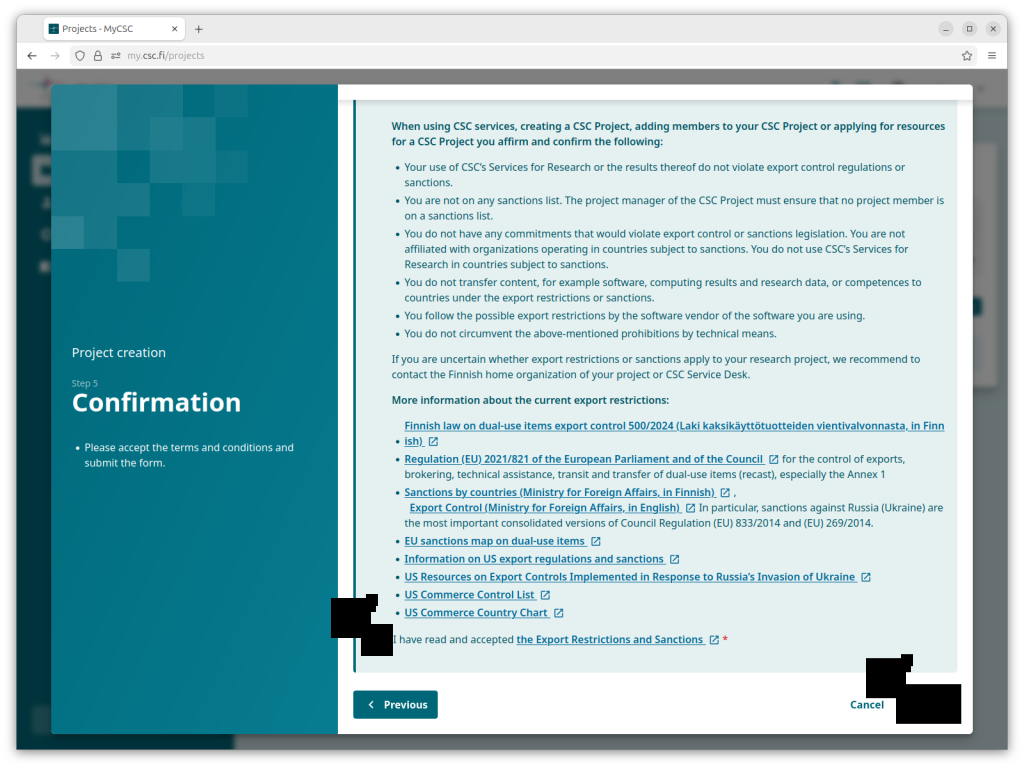
Click 'Submit' to continue.
That's it!
Now you know how to create a course project.
Further Learning
Here are some suggestions for what to read next: