 CLI tools
- Summary
- This page lists useful command line tools for using CSC cloud services from the command line.
- Internet
- https://github.com/openstack/python-openstackclient (openstack Python client)
https://github.com/openshift/oc (openshift oc command)
https://github.com/CSCfi/allas-cli-utils (allas-cli-utils)
Description
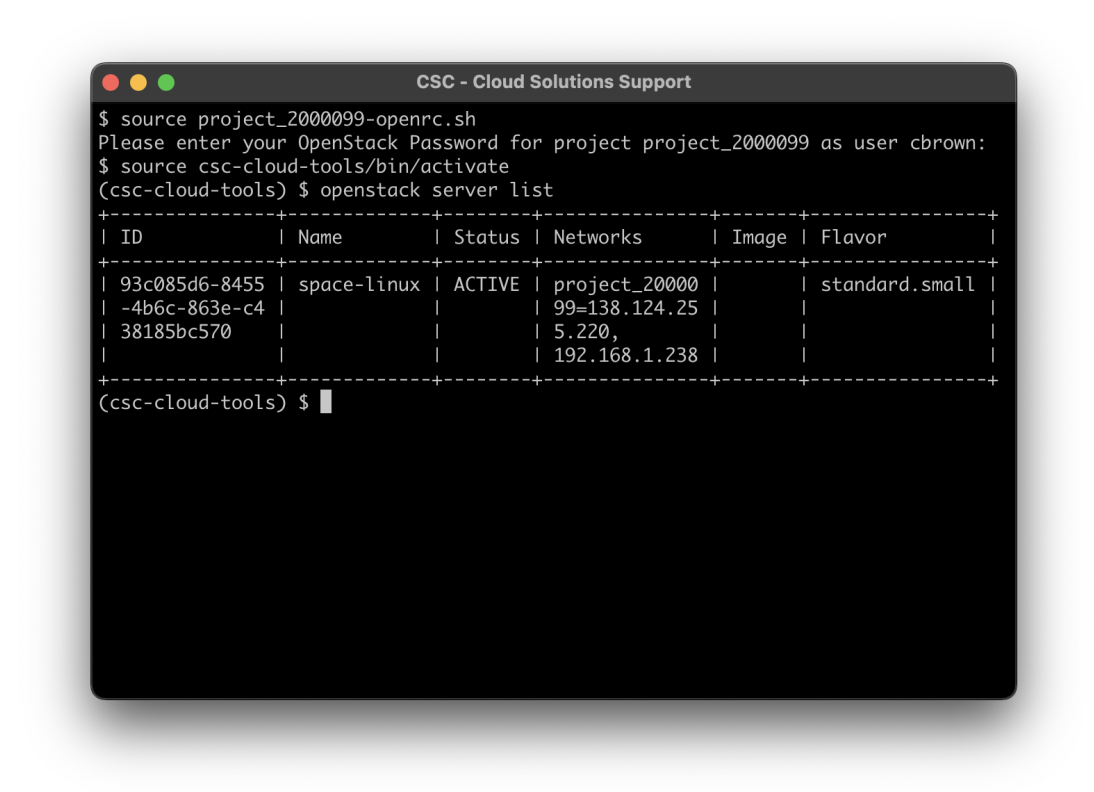
The openstack, openshift and allas cli are a great set of command line tools to help you easily command the CSC cloud environments and automate tasks when needed.
The tools are available for all three major operating systems1 and are based on the Bash, Go and Python programming and scripting languages.
Tutorial
Here's a tutorial Install CLI Tools to get you started.
Here are the latest User's Guides for:
Pukki is based on the openstack tool, and its sample commands can be found here: Docs CSC: Using DBaaS with CLI.
Puhti has its own command set (Docs CSC: The module system) and is used over the SSH connection.
-
Windows users: How to install Linux on Windows with WSL ↩